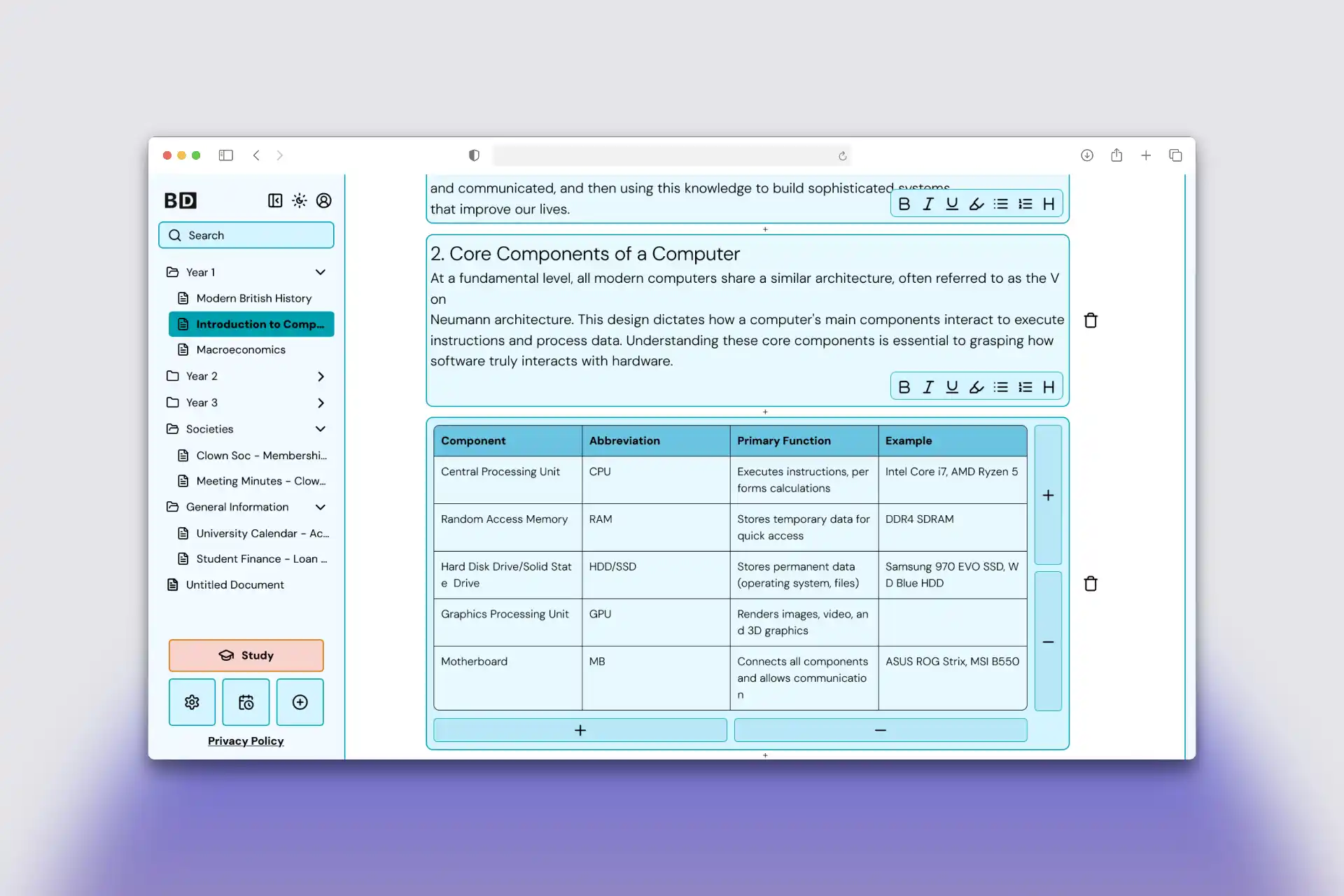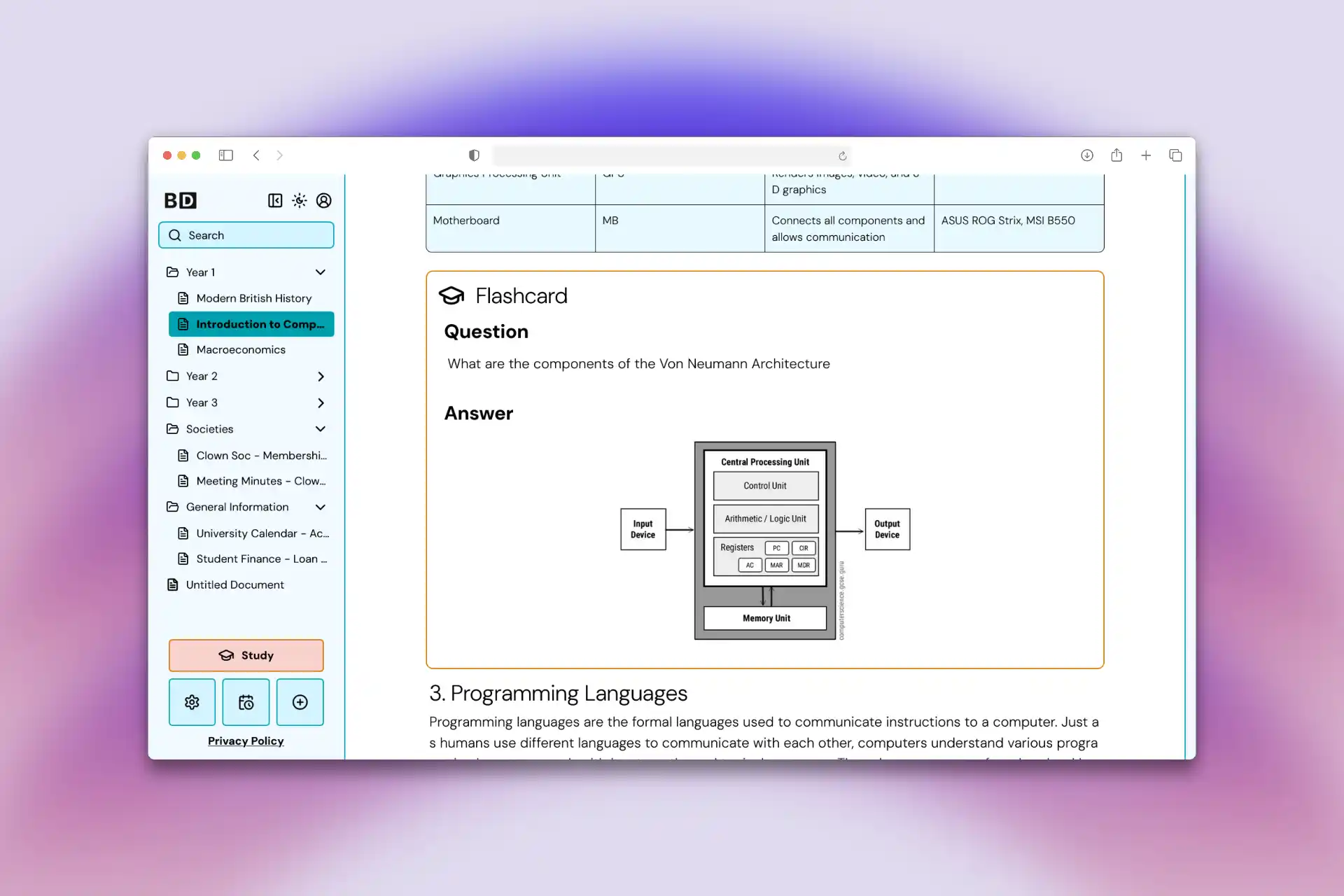
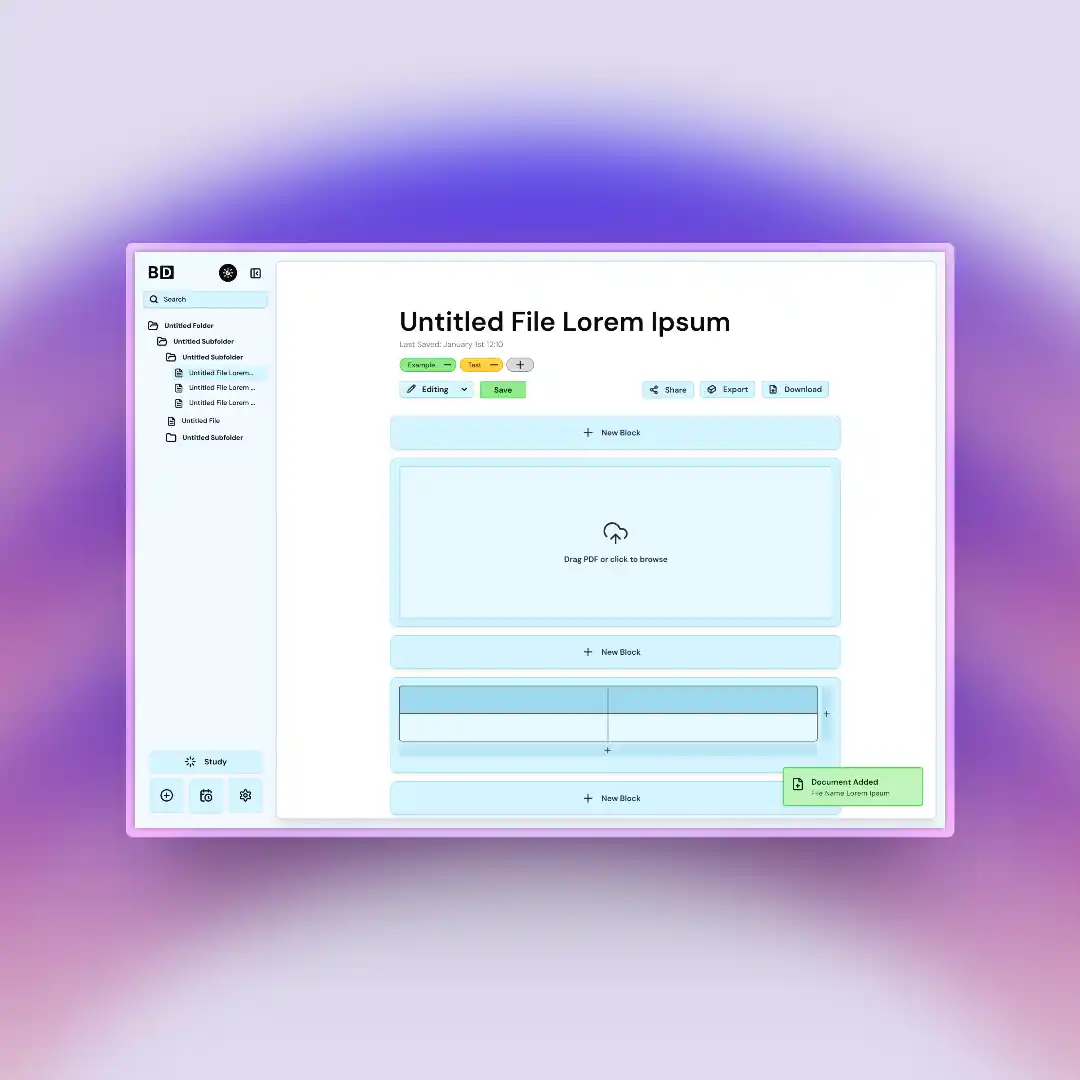
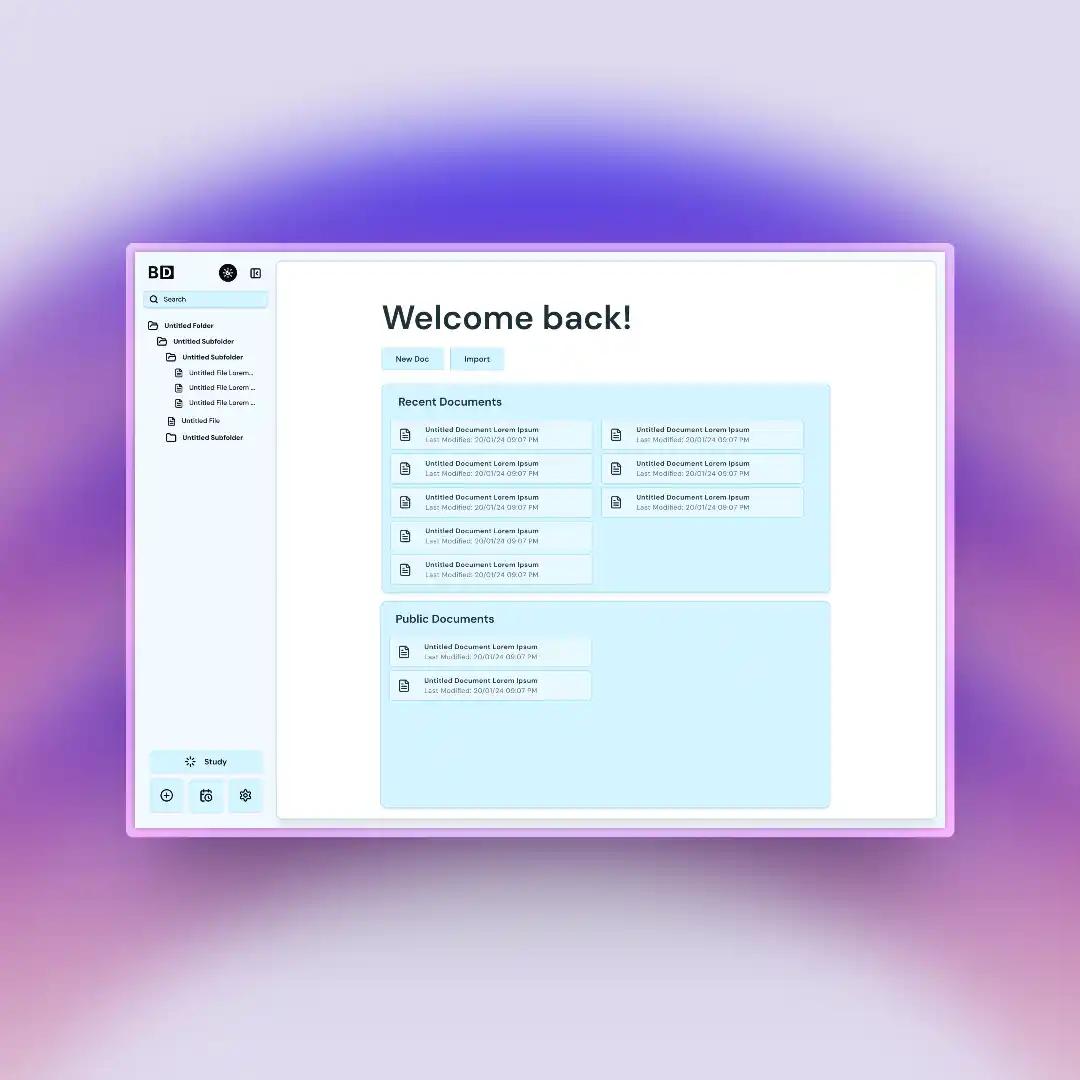
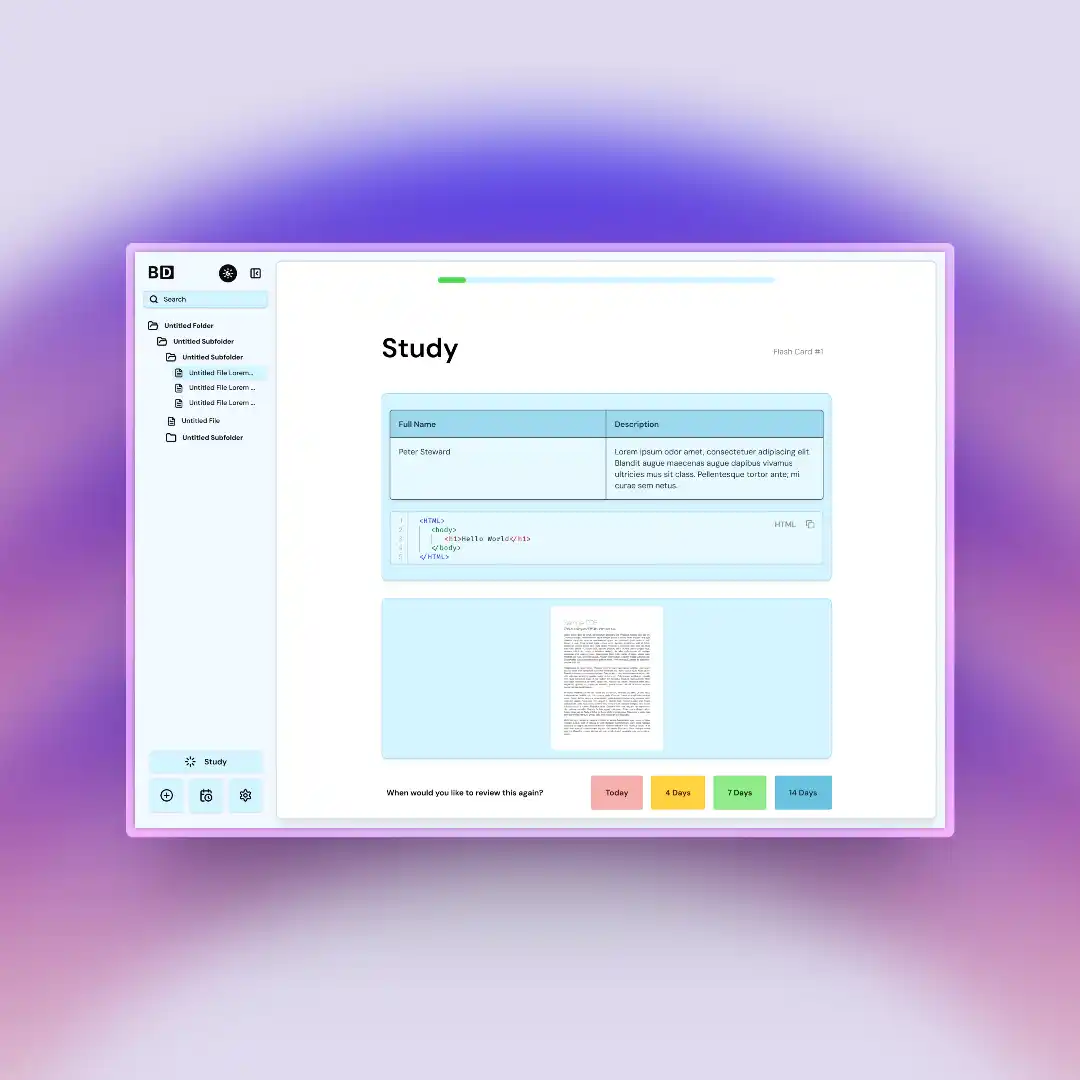
Unlike much of the other competition, it embeds the flashcards within documents, by making documents work through modular blocks, allowing for seamless transitions between reviewing cards and documents. The application contains a study page which compiles the flashcards from the documents and uses spaced repetition, encouraging long-term memory retention. Each document and flashcard, blocks can be inserted including text, tables, code, images and PDFs. Users can also export their documents into a variety formats or share them publicly.
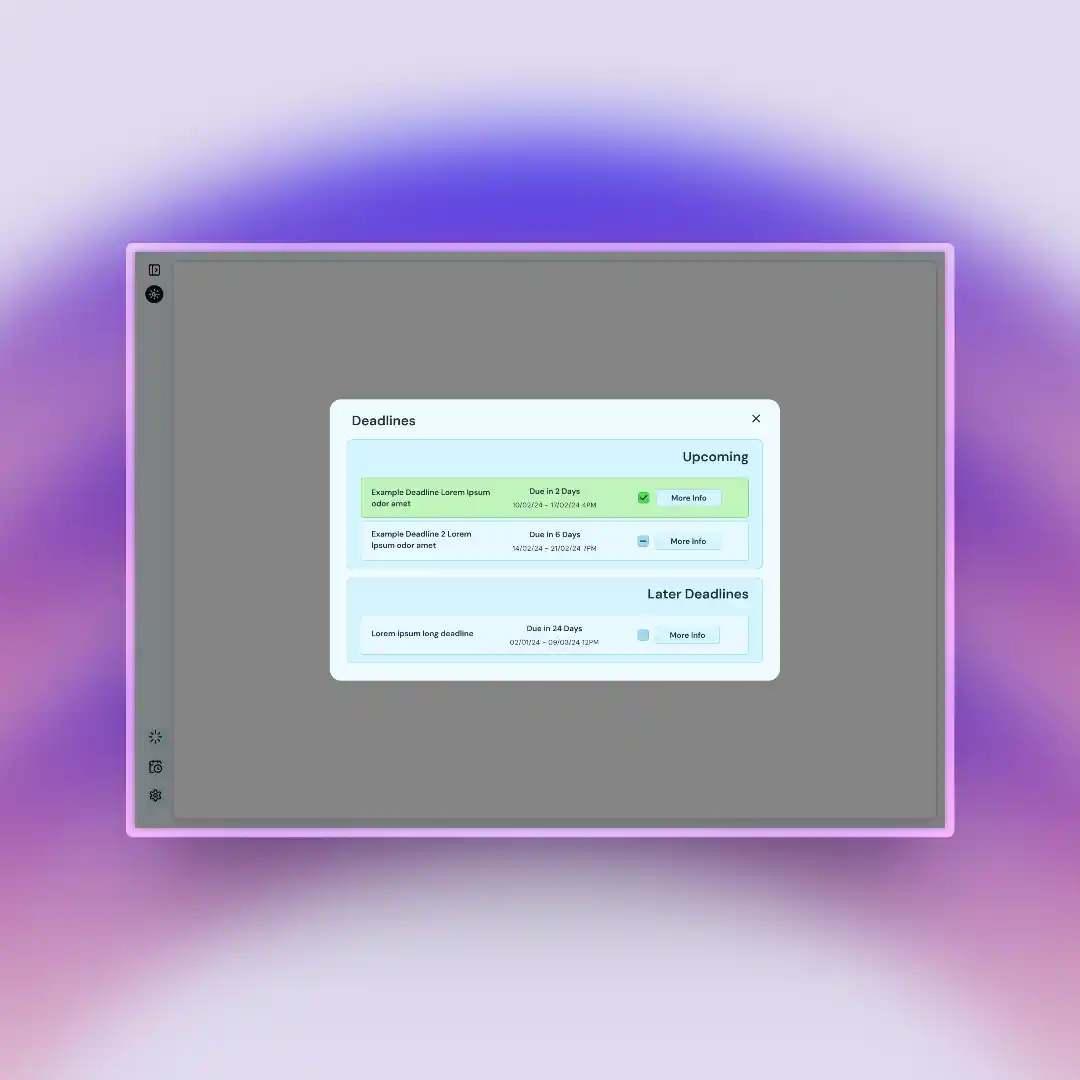
BlocDoc also includes an intelligent deadlines module to track assignments and assessments to allow users to manage their workload with colour-coded levels of priority - After a deadline is marked completed, it is placed in an archived table.
This milestone had a variety of requirements including having an app description, a JDL database diagram, mockups and Kanban cards made for the next milestone. Through team meetings, we came up with a variety of different ideas of what to do including a blueprint generator, code teaching app, dating app for finding roommates, portfolio maker as well as the final idea we stuck with, revision and study app. Inspired by Quizlet, Anki, Notion and Obsidian, our aspiration was to combine the best of all of them together as well as our own touches to make the best studying app
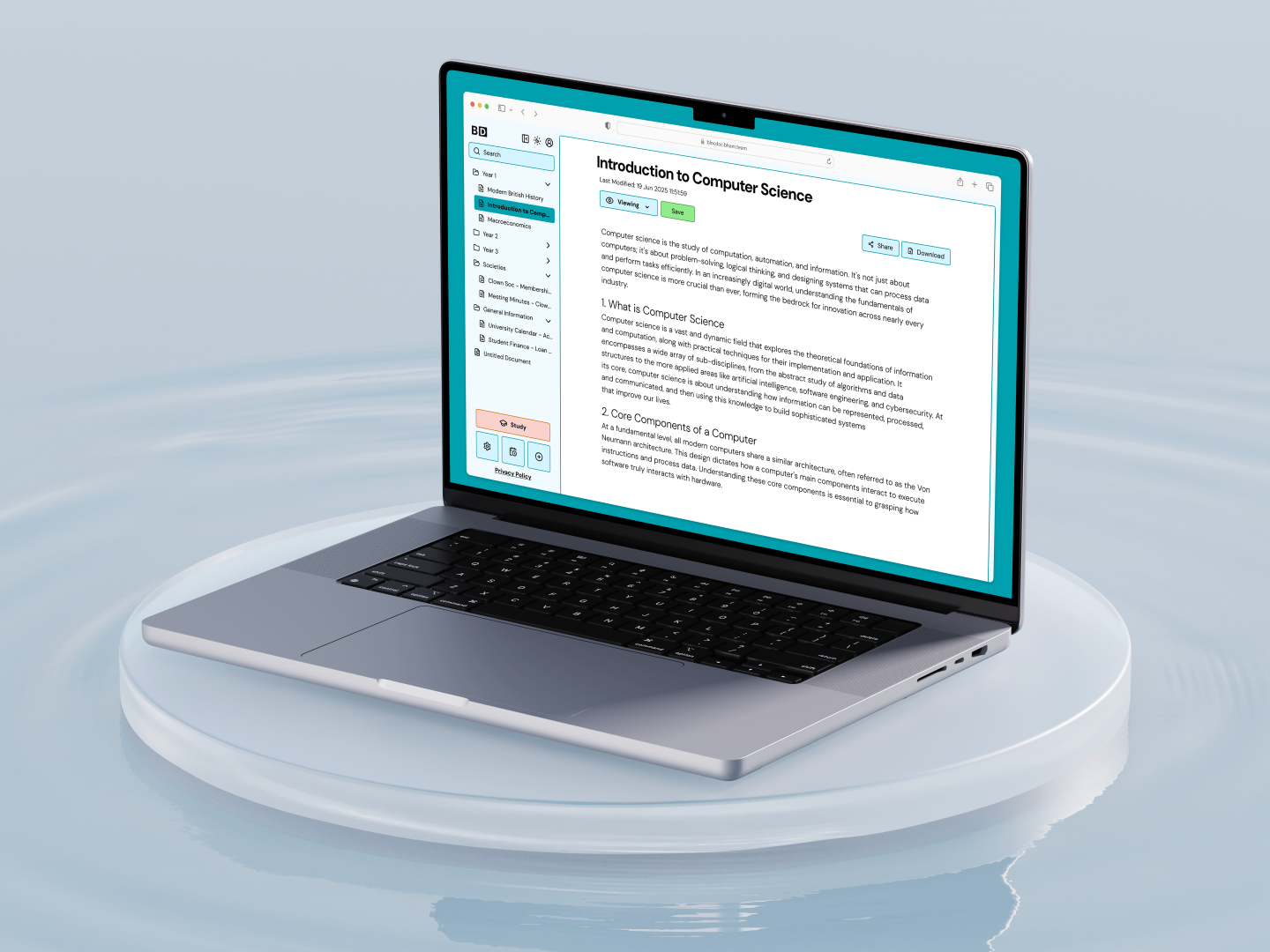
BlocDoc is a web app that combines feature-rich note-taking and an in-line flashcard system designed for students of a plethora of different degrees and skill levels, with our primary users being university students. Currently, there are many different note-taking apps and flash card learning apps but they all have issues that impact the user such as privacy issues, and the flash-learning feature not being beneficial for learning large sets over a long period of time. Our app has two modes, note-taking and flash-card learning which are closely linked through blocks. Each document that the user creates has several different “Blocks” which store different information such as text, images, tables, code sections and flashcards. These blocks ensure that the user has intuitive notes with an elegant display with the option to rearrange blocks. We've received feedback from a PHD student that the app looks pretty useful, especially the block system as well as the ability to export your files.
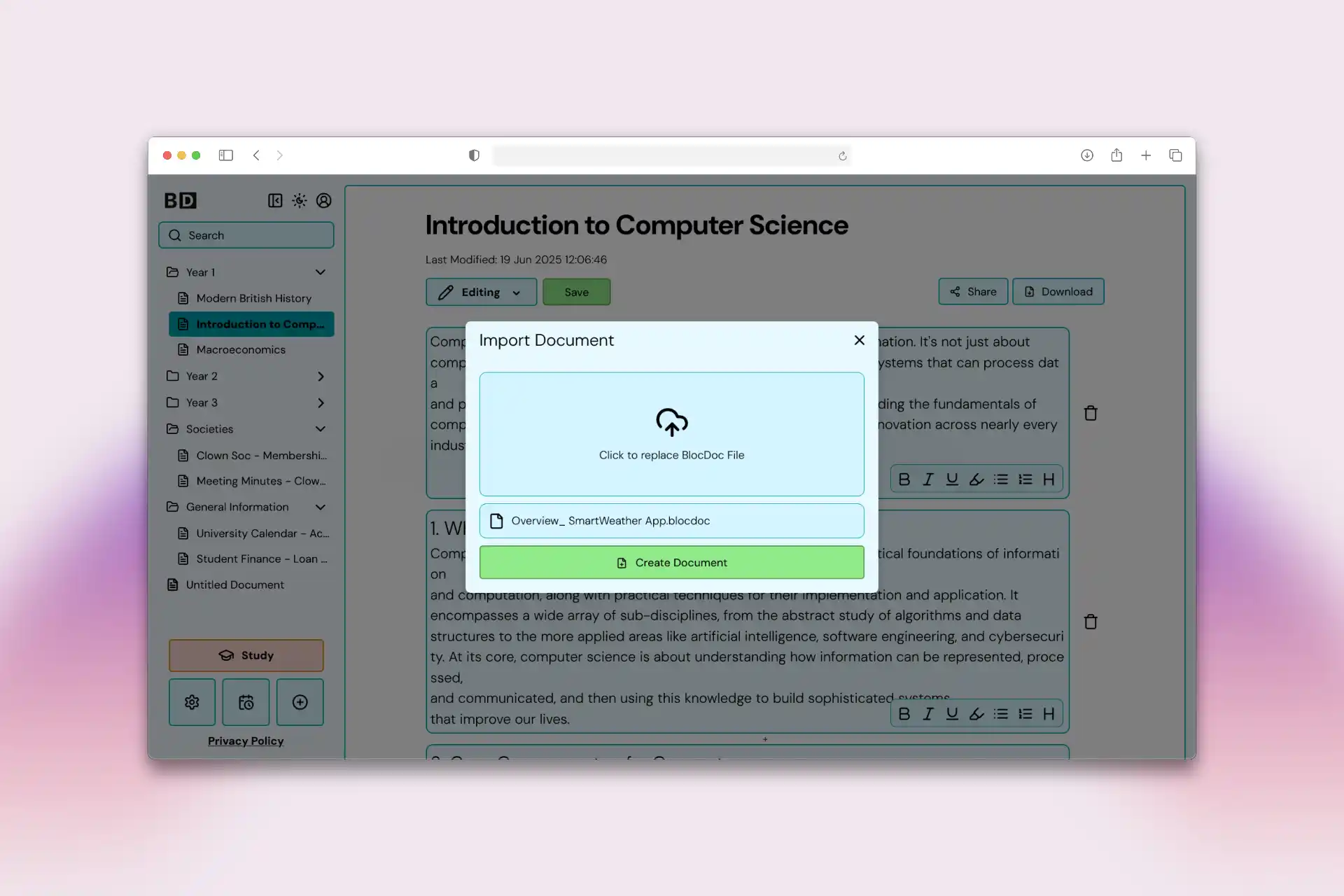
A major problem with many note-taking apps is the lack of privacy. Many apps by the nature of being online mean that your files are stored on the company's servers which means that your notes aren't owned by you and large amounts of data are collected. We will collect as minimal data as possible and will never add it to AI training data. We also have inbuilt export and importing features, so users are always able to take ownership of their notes. You are able to export your notes to PDF, Markdown as well as our own file type .blocdoc . The blocdoc file type is in a specialised format that allows for as seamless an importing process as possible.
Another feature of our app is the deadline page. This is a table that stores all your deadlines for assignments, it will display how many days you have till the deadline listed. You are also able to assign a specific note page to a deadline so the time left will be displayed at the top of your note so you can always stay on track with your assignments. This also means you could search for your deadline and find all notes relevant to that assignment for a more streamlined revision system.
One of the core features of BlocDoc is the flash-card study system. In apps such as Quizlet, there are multiple types of learning, flashcards being the main format. Our flashcard system combines two methods of learning - intensive study and spaced repetition to aid users' learning. The purpose of the intensive study is to get users immediately familiar to questions and their answers, before switching to long-term maintenance in the spaced repetition system. The flashcard study system pulls flashcards from your notes held within in-line flashcard blocks, creating a powerful and seamless user experience all the way through.
Finally, to aid those students who have large PDFs sent to them from lectures, we have a feature held within the media blocks to extract the PDF slides and convert them into a set of images that are held within different blocks. This means that the user can write notes directly underneath each slide so the notes are relevant to the slide they are close to. This combats the issues with some note-taking apps such as Obsidian where you would just display the whole PDF next to your notes page and thus the notes aren't so obviously correlated to the slides.
The designing stage of BlocDoc followed a structured three-stage mockup process that aimed at allowing for creative freedom for everyone whilst still having a consistent cohesive UI across the product.
We divied the work into equal sized entities and assigned it to each member of the team. In this stage, each team member independently designed mockups for the features and entities they were responsible for implementing in the final product. By allowing each person to design their own, it encouraged them to have full creative freedom and allowed them to explore the best way to visualise and present their core functionalities of their components in whichever they felt was best.
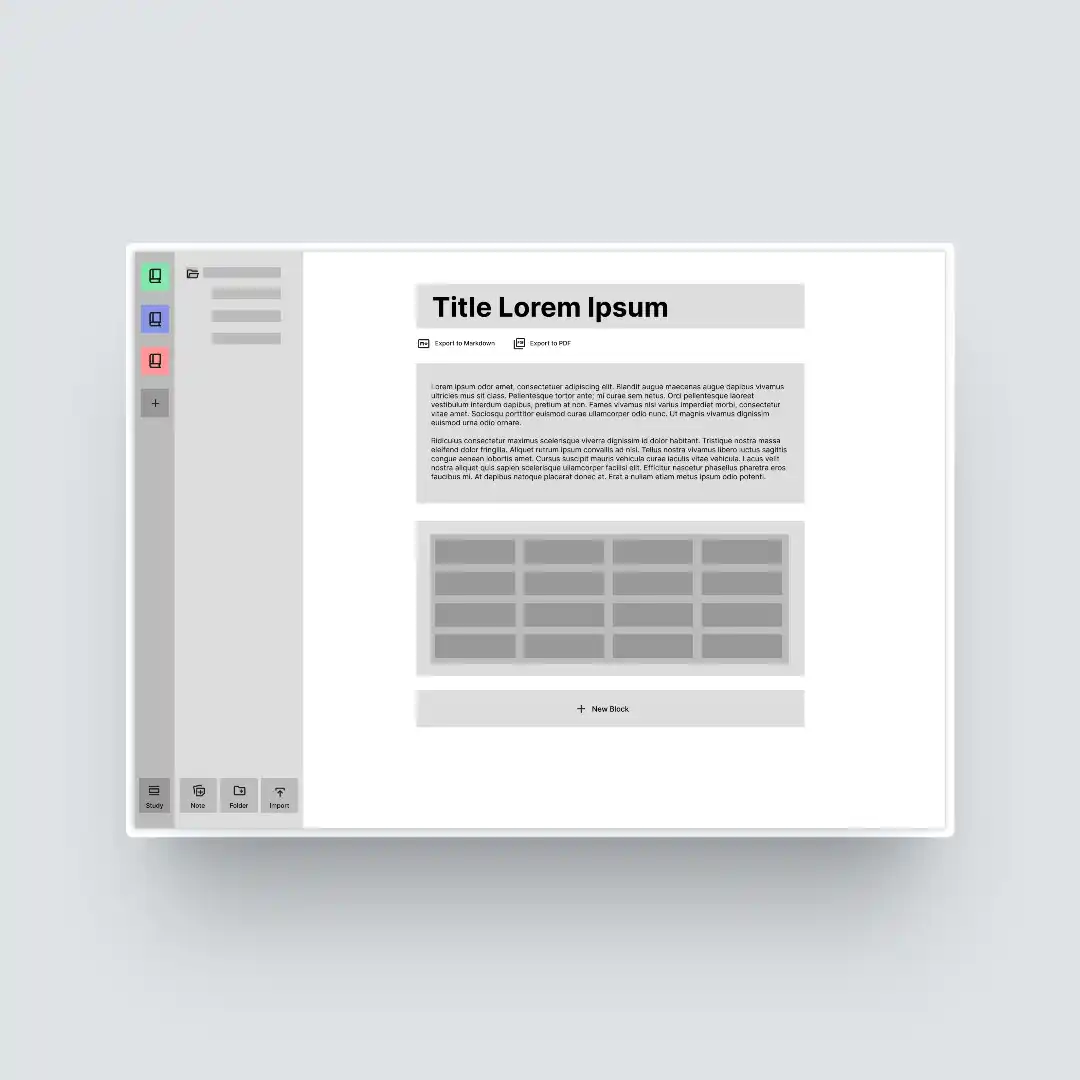
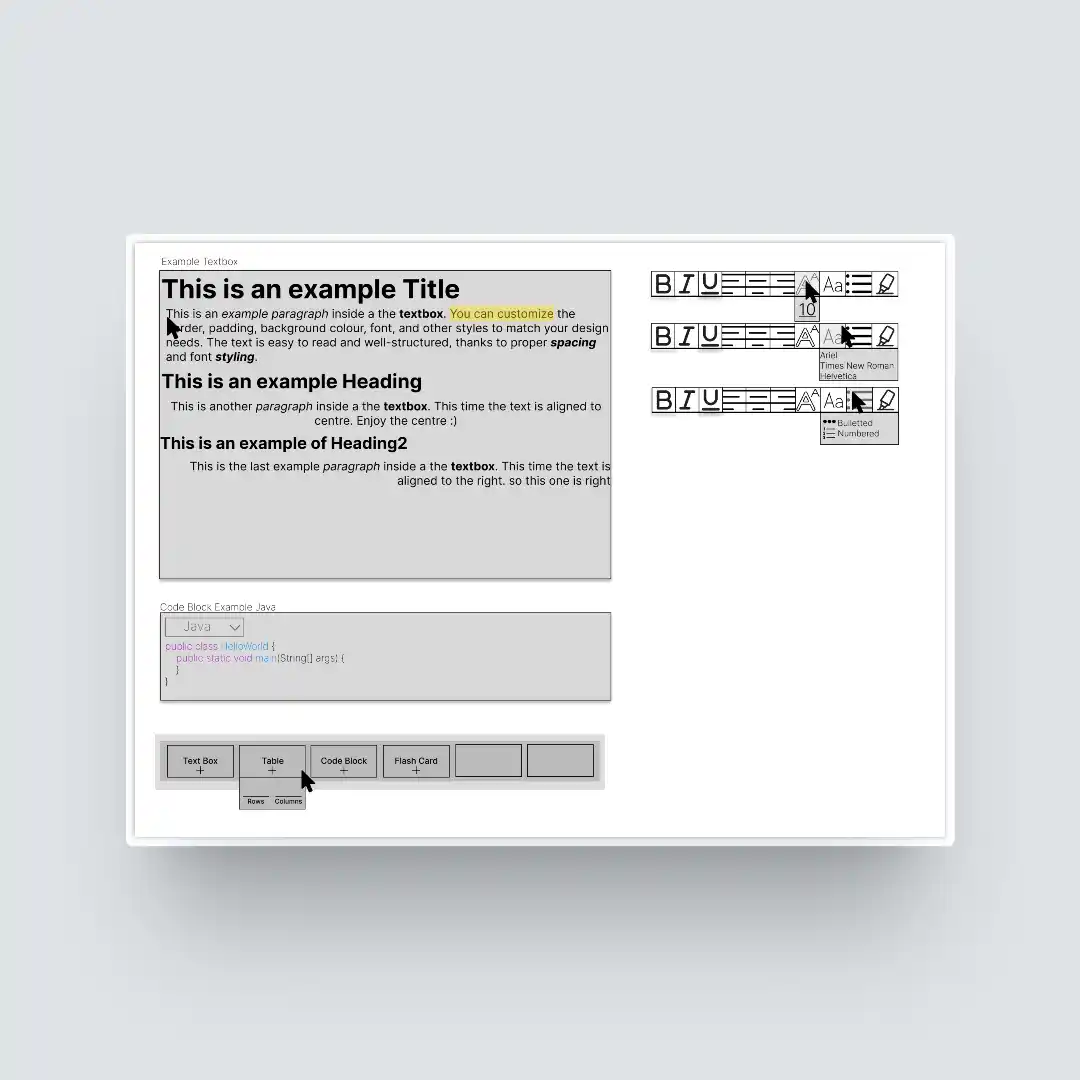
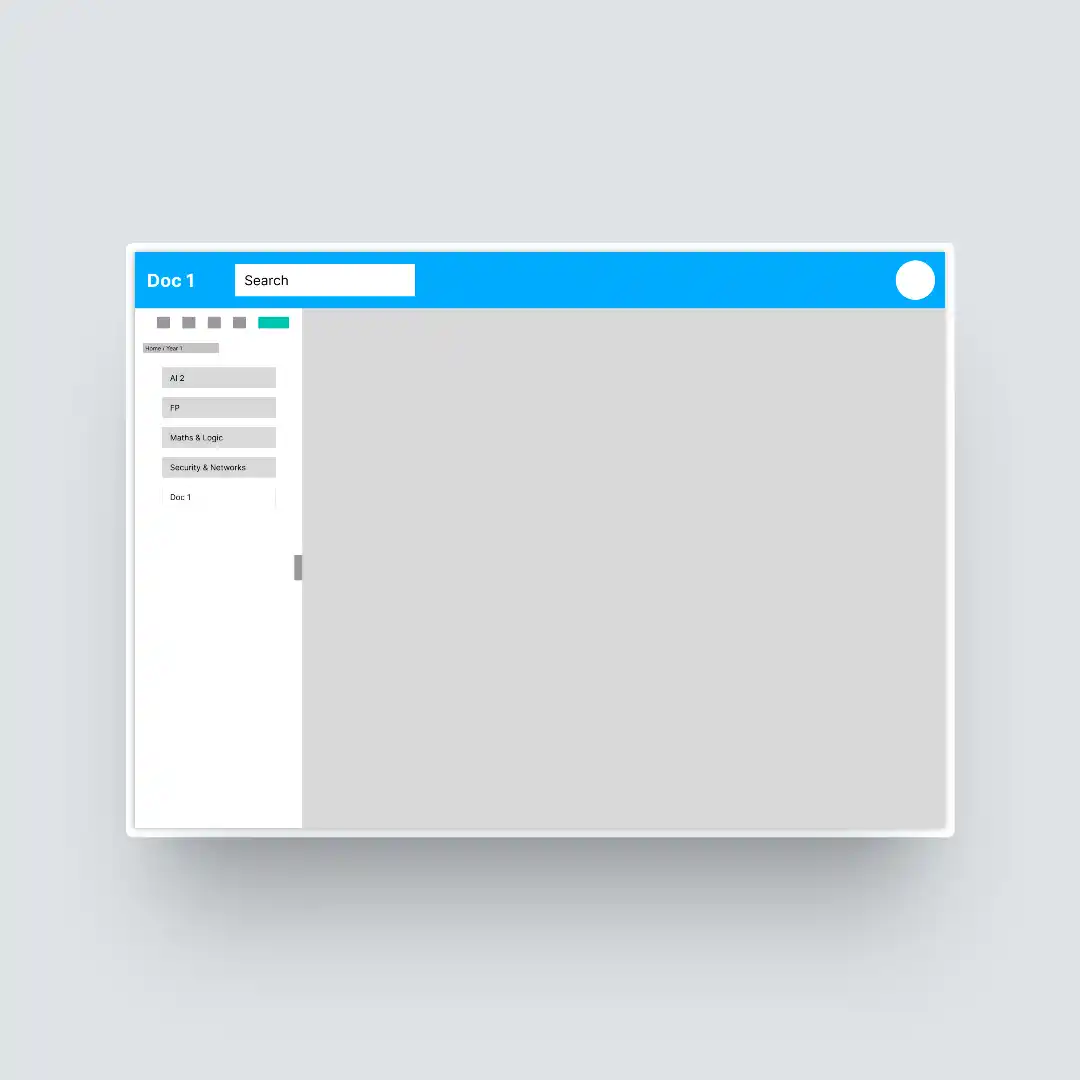
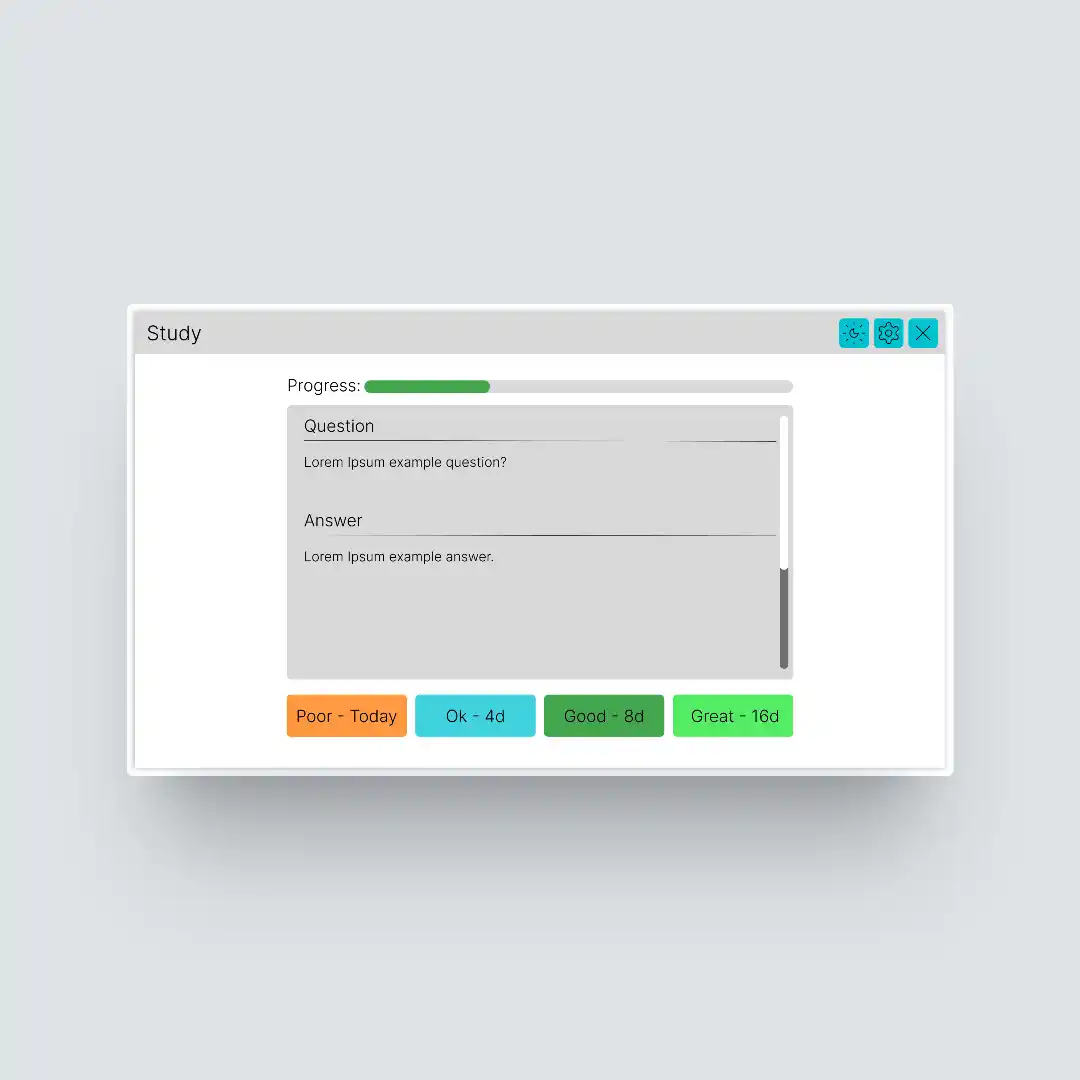
In stage 2, the team had some team meetings where we reviewed and evaluated each others' mockups, looking at the parts we found were effective and which needed modification in order to unify the designs. By looking at the strengths and taking a tradeoff between each others' stylistic choices and UX directions, we were able to comine and unify the designs to a single mockup, establishing how users should navigate through the application.
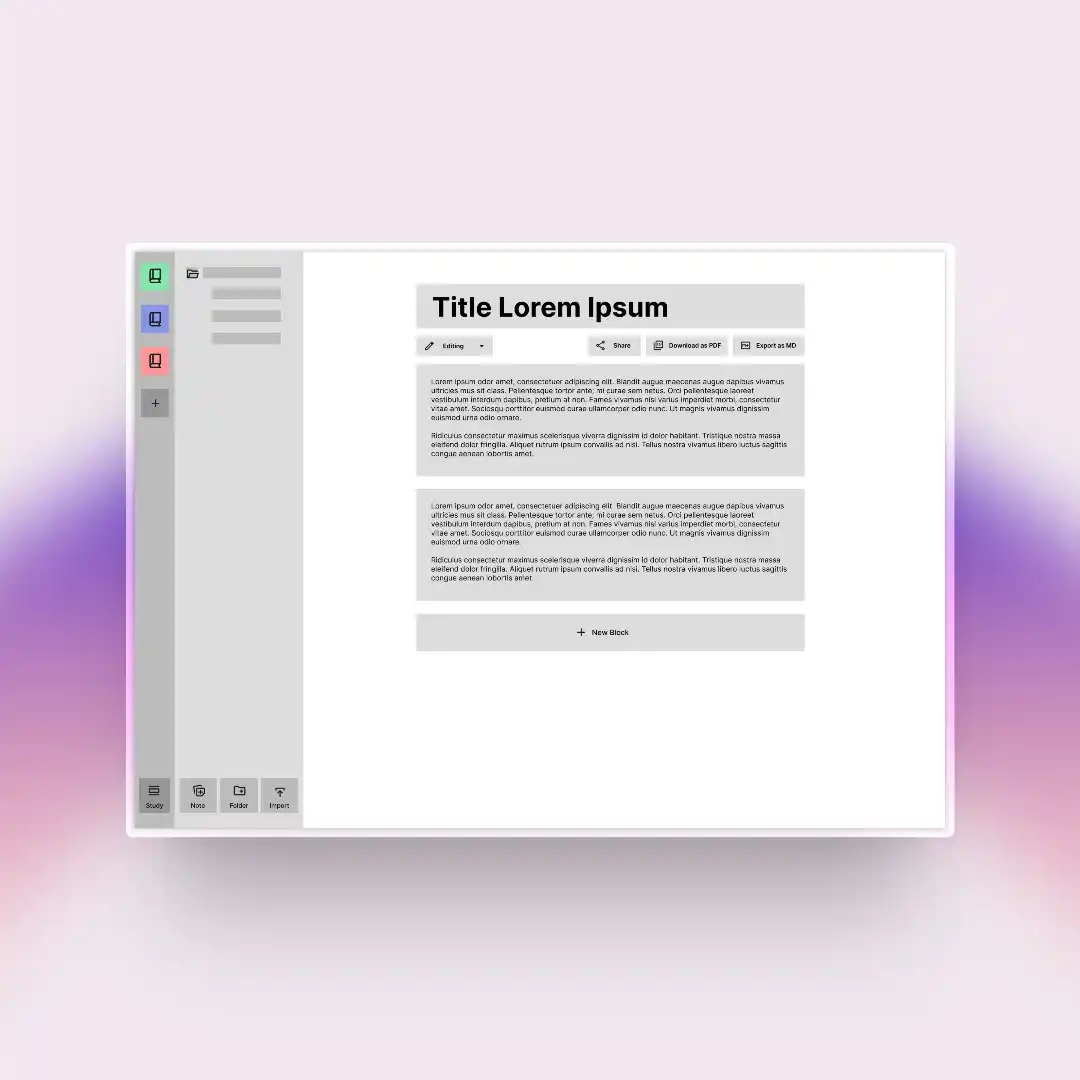
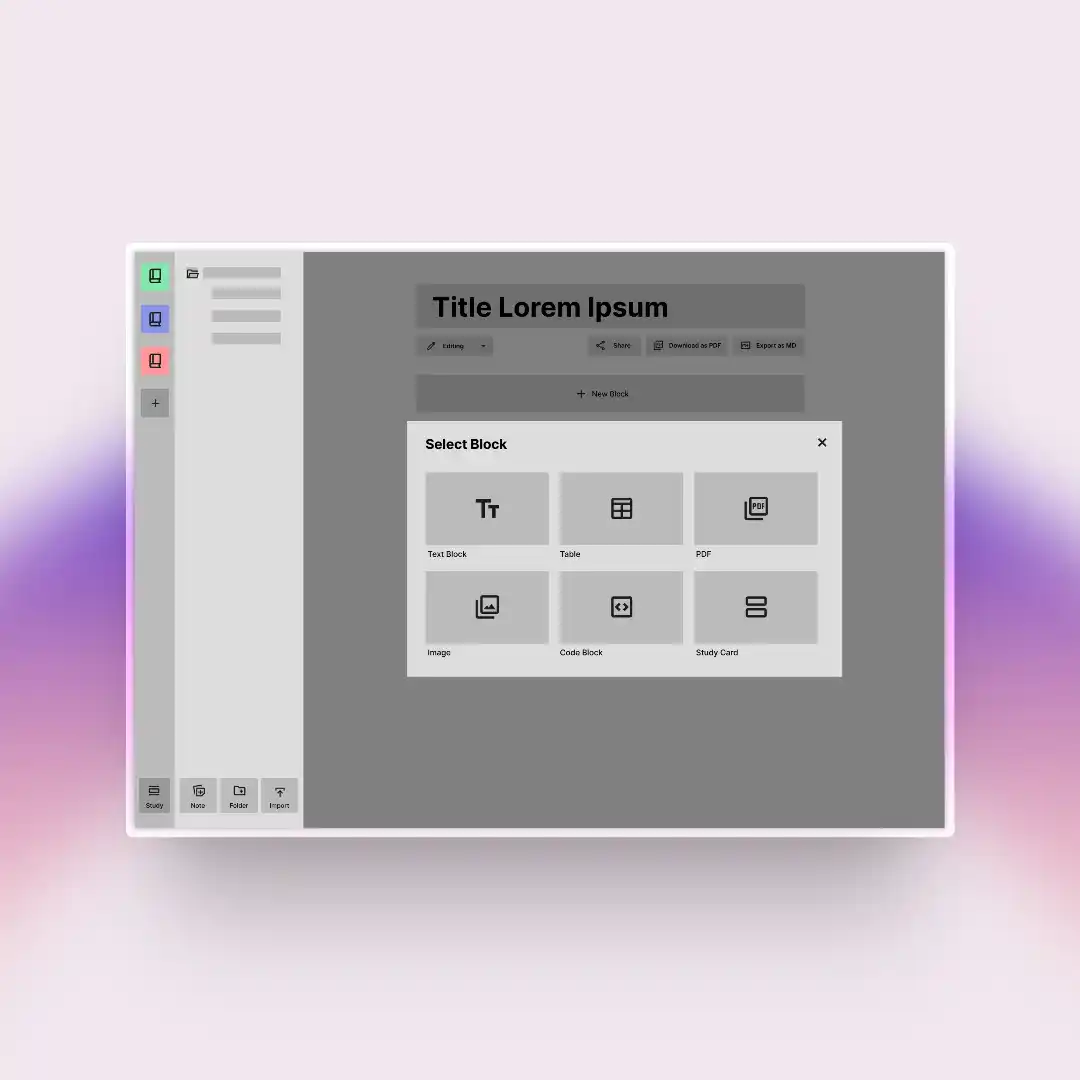
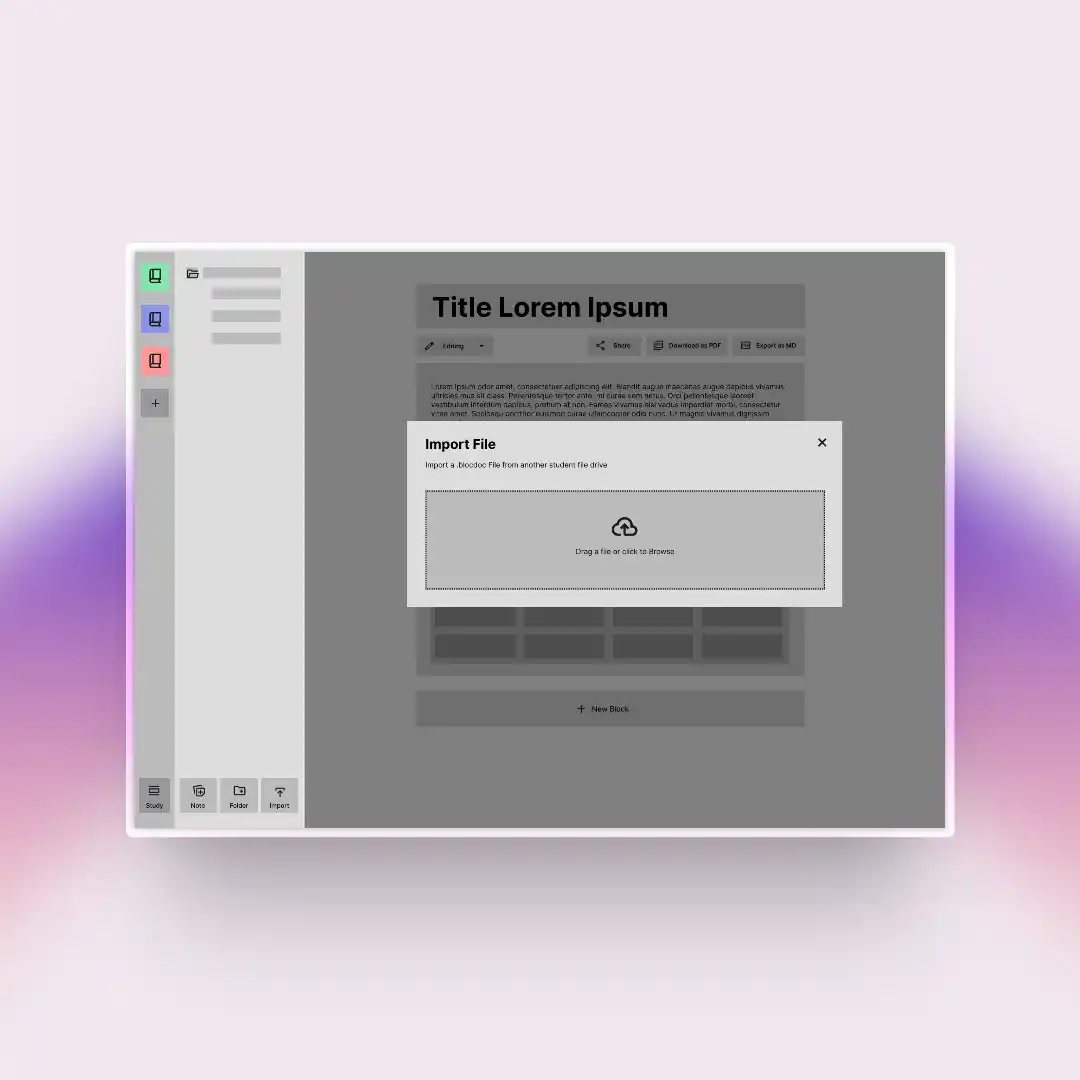
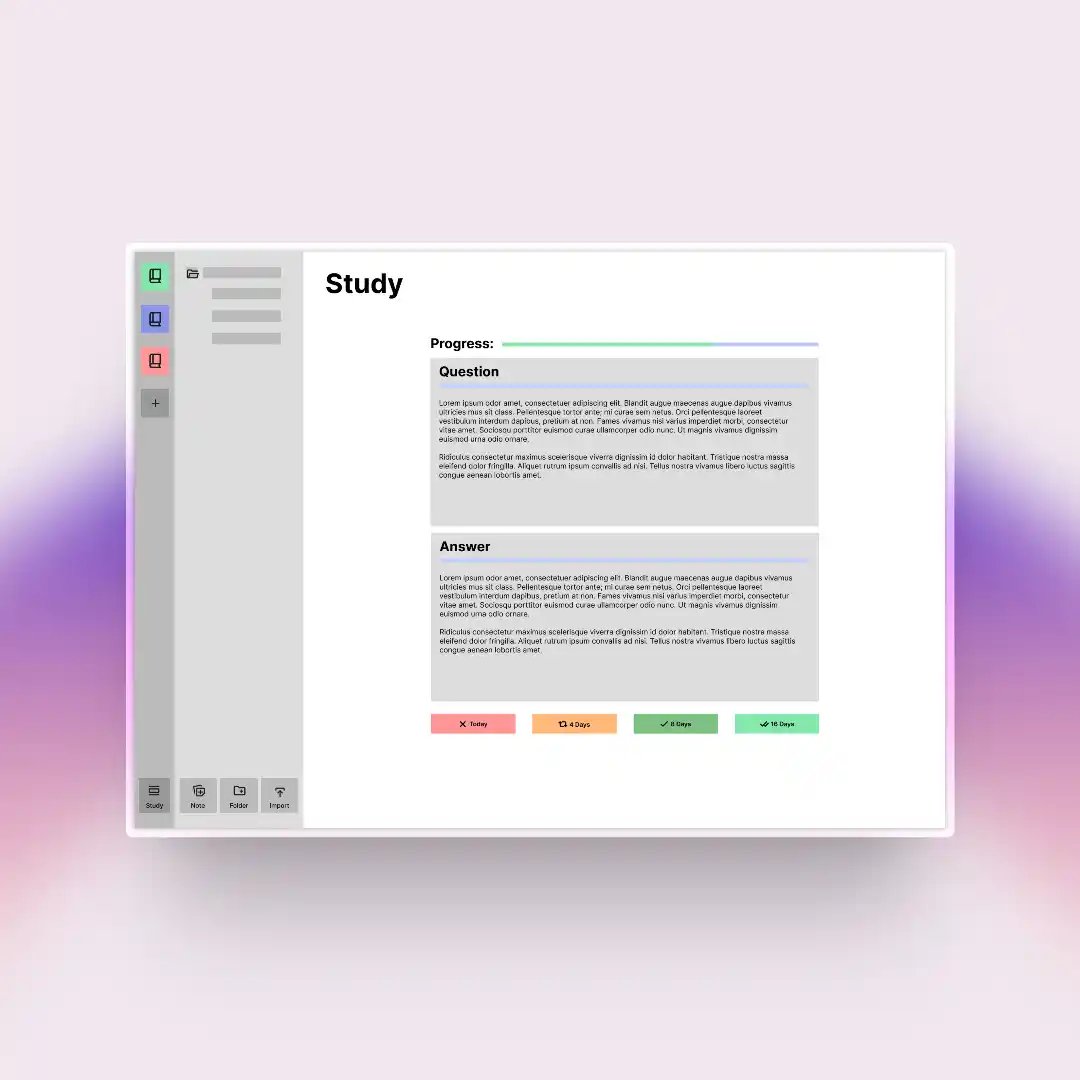
In the final stage of mockups, I created a comprehensive component-based mockup system for the entire application, making it adaptive and using interactive states for key features. Each component uses a modular reference based system that has a master state that changes dependent on actions. Additionally, with the approval of the team, I created a universal colour scheme and font selection, making the final mockup, almost a one to one copy of the expected application.
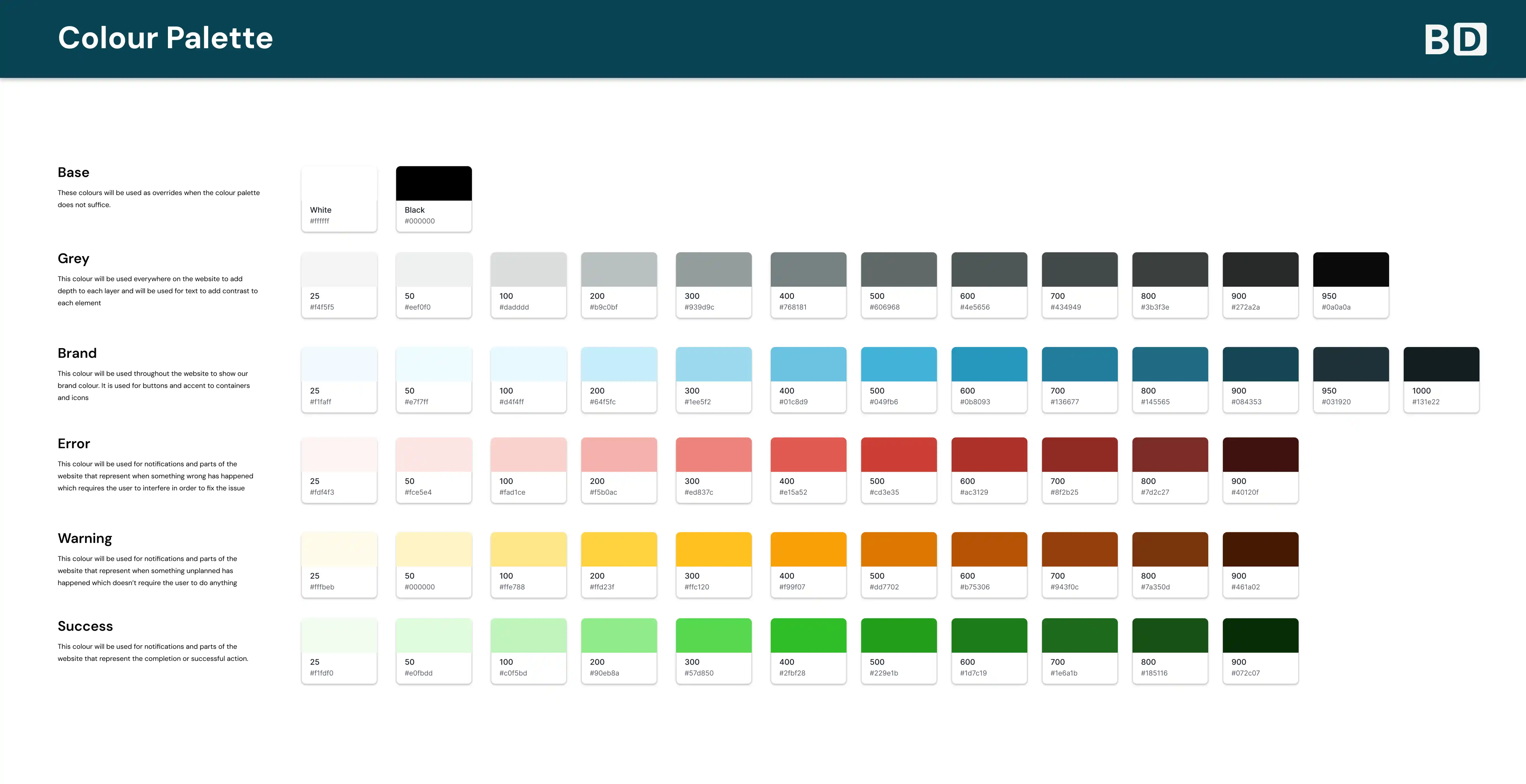
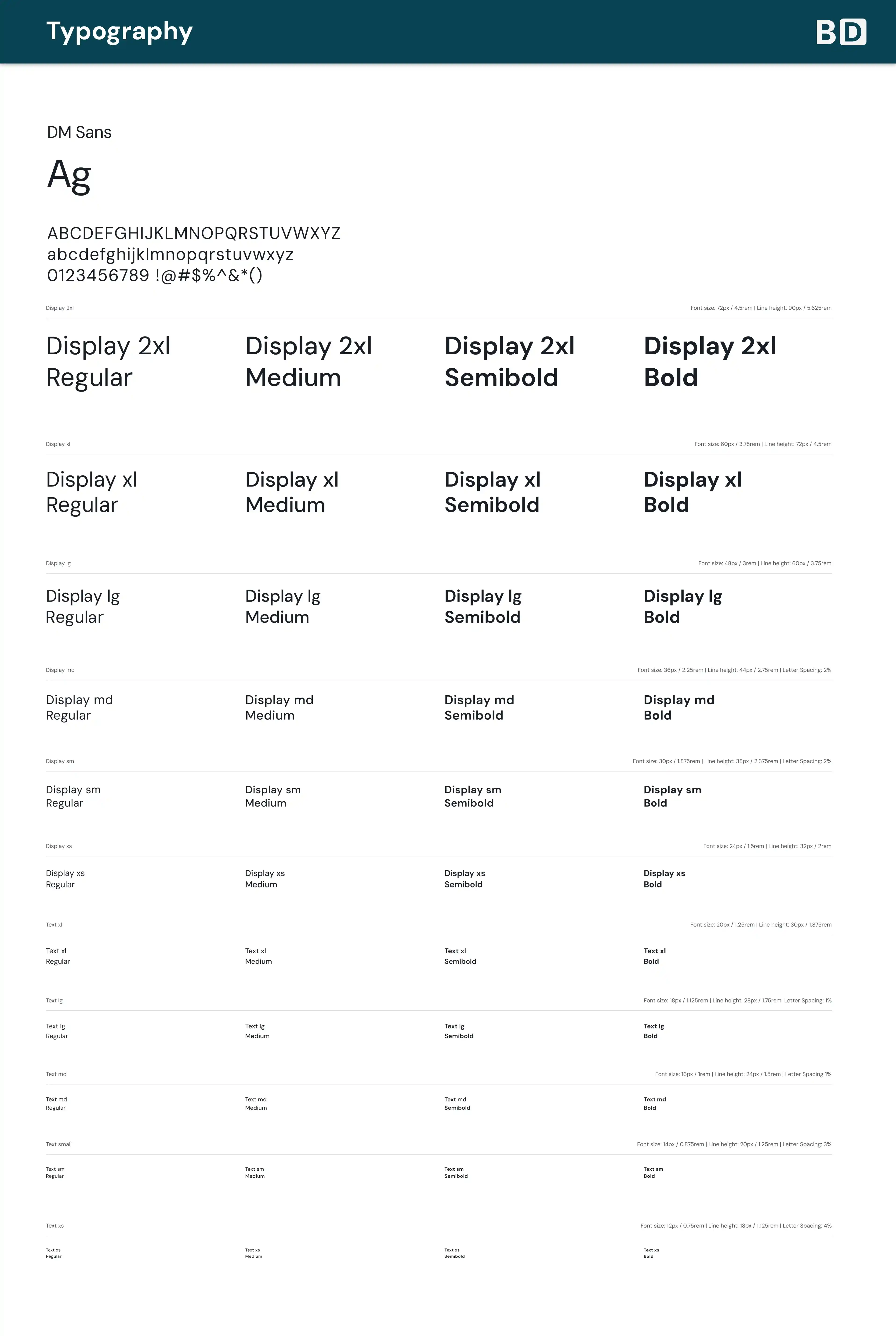
Milestone 2 was where development began, each team member having an assigned feature that required heavy back-end functionality with some front-end integration for testing. The goal was to ensure that the product could work and find flaws early before any paint was applied, emphasising the vertical slicing.
I was responsible for implementing the document entity which acts as a central structure which connects many of the other entities. Each document contains a sequence of blocks which have metadata associated with how they are displayed. Each document contains its own data associated with it including a pointer to the first block in the document, the title as well as share statuses and edit statuses. Due to how documents were set up, some of the more difficult backend development like the export function required the document feature to be partially complete before starting so I worked on the following key areas instead:
Document Retrieval and Database Integration: The logic to fetch documents required me to also ensure that documents were only grabbed if the user had access rights so this was coded in the server, checking the session token with the server. If the user had ownership or viewership rights, it would make an API call which would send the document details and the blocks associated with it.
Document CRUD Operations: I successfully implemented full create and delete functionality for documents to allow users to create new blank documents and delete them, updating the folder UI in real time as new documents are made. Documents are by default are named "Untitled Document" but can be done within documents by clicking on the title itself. After the user unfocuses from it, the result is automatically sent to the server for updating. For blocks themself, a manual save button was implemented in order to put less strain on the server, calling the blocks that have been modified to update its data.
Submenu and Popover UI: To aid user interaction and declutter documents, I created context menus after clicking each of the buttons within the buttons displaying public document sharing and document exporting options.
Mobile Design: I ensured that documents were able to be viewed in a variety of different device sizes, adapting its layout and component behaviour to allow for responsive touch interactions. The sidebar is compressed to a compact form at a small size in order to prioritise documents and the sidebar on expansion, temporary floats over it to prevent overflow issues.
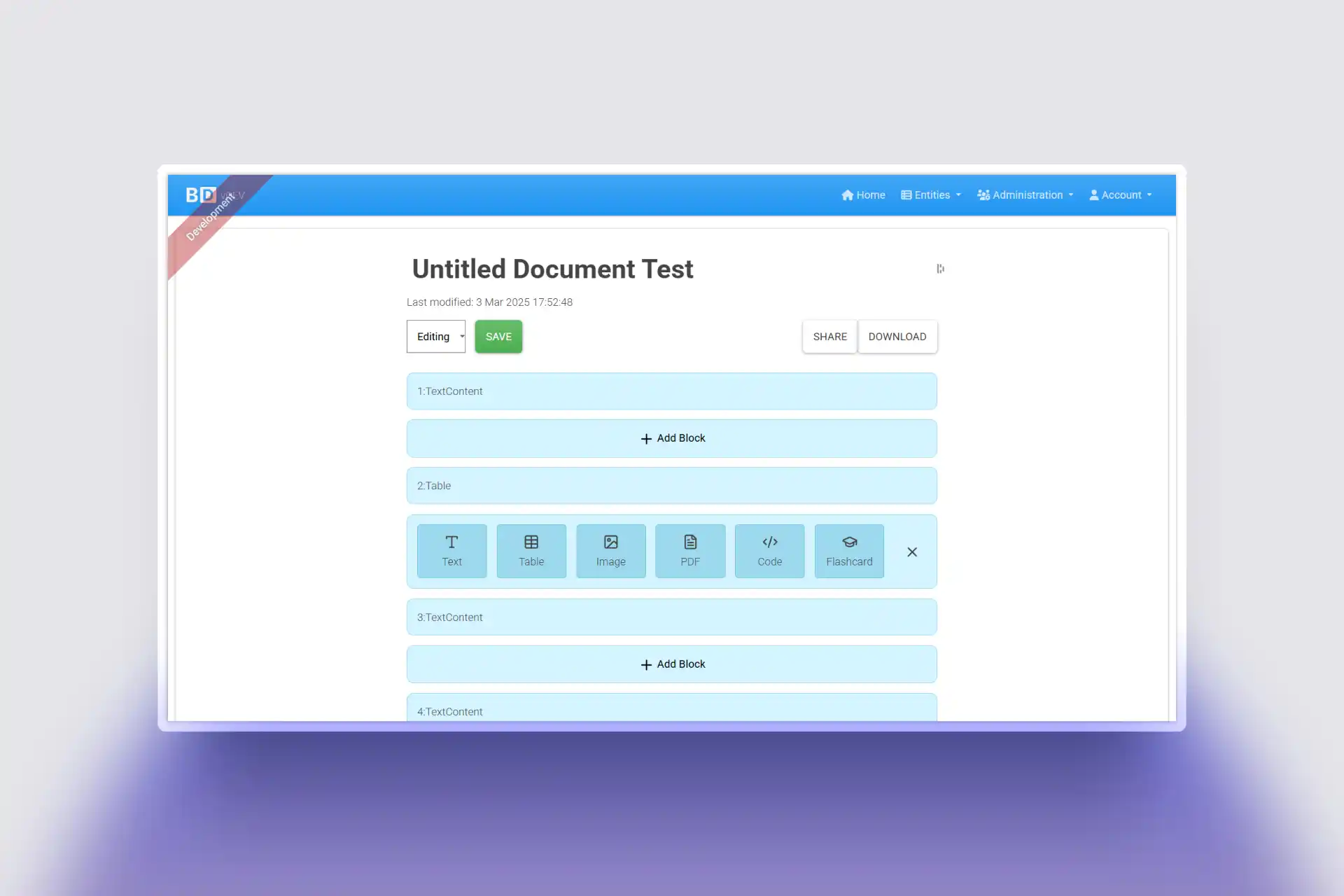
The final milestone, we were required to have our entity complete and fully functional, with accessibility taken into full consideration and the application, demonstrated in a short video breaking down the entire app. In this time, I worked on the exporting functionality, allowing for the downloading of the document into 3 different types
.blocdoc
This is a custom file type based off the json file type, storing the document information stripped from the user to allow for sharing across multiple users. By doing it in this form, it allowed for the application to store more information than other types could handle like a PDF or markdown, facilitating the import function in the application.
.markdown
Markdown is an open-source file type that allows the document to exported from BlocDoc to any other note taking application that supports it. By adding this, it allows for the freedom of the users to move their files between mutliple application and means that if the service gets shut down, it will be able to kept locally. This worked by taking the elements stored in the database and converting it to a markdown safe format, using the formatting options that markdown supports to represent some of the features that aren't on markdown. Any documents that contain images are zipped together the image to once again give the user freedom to alter it however they wish.
.pdf
The PDF function makes use of the built in print functionality of the browser, opening the print modal whilst simulataneously formatting the document to format the page to only include the document details. The implementation allows for a more open exporting method and gives different options including resizing how big pages can be and the orientation. Pages are split by blocks to prevent uneven splits and flashcards are given their own pages for each side to allow for creating printout flashcards to test yourself with physical paper.